
Register a New Account on OnDemand
This guide shows how to create a new OnDemand user account.
Register Your Account
To create an account:
- Open the OnDemand homepage. Go to https://ondemand.polestarglobal.com/?page=login in your web browser.
- Click Sign Up.
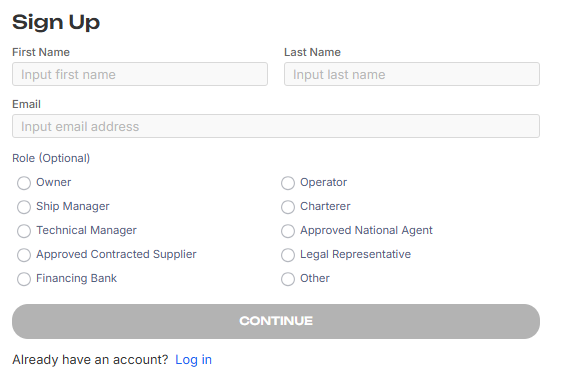
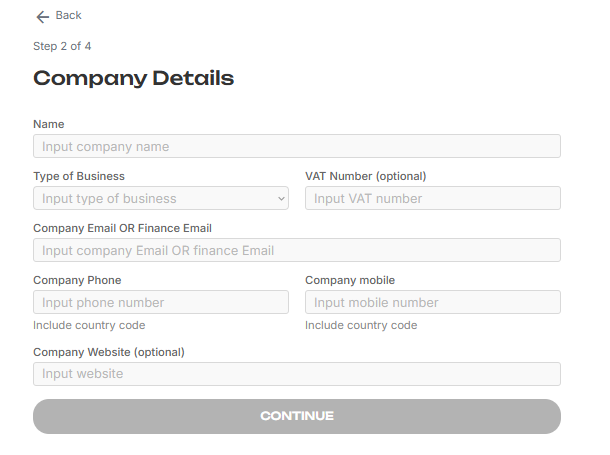
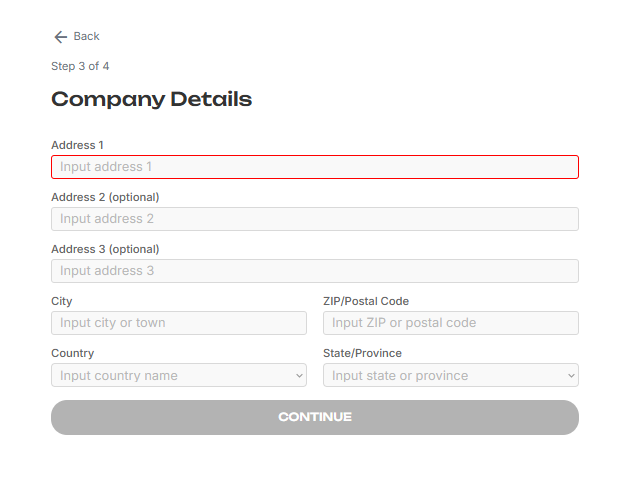
- Enter the required details
1) User Name, Email as mandatory field and Role as optional- email will be used to login.
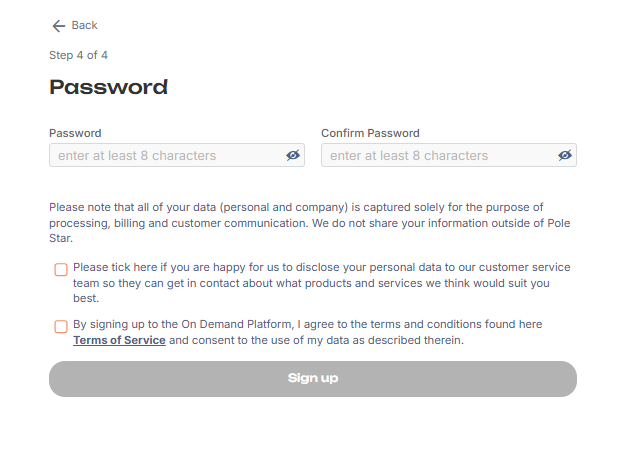
- Accept the Terms and Conditions.
- Click Sign up.
- Once you click in Sign up, an email will be sent, containing a registration link. Click this to complete your account registration. This will run a final Know Your Customer (KYC) check, then log you in directly.