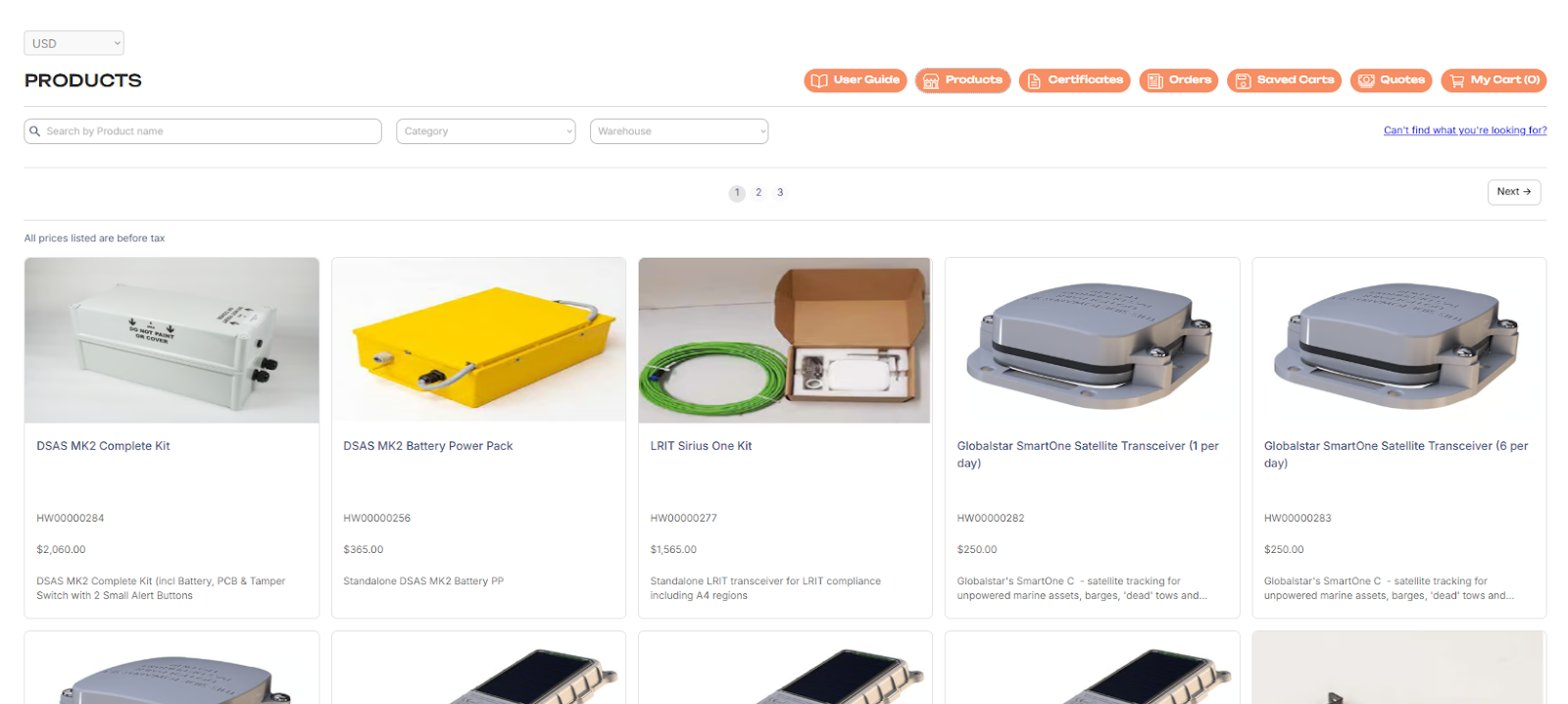
Navigating Marketplace
How to Browse, Compare, and Buy Equipment in the Marketplace. This section is available for a specific User Role, for more information please contact our Sales team at sales@polestarglobal.com or verify with a Distributor.
The Marketplace is an online shop inside On-Demand where you can:
- Browse available equipment, tools, and parts
- View detailed product information
- Compare options
- Add items to your shopping cart
- Purchase equipment directly through the platform
- It is designed to simplify equipment ordering by keeping everything in one place.
How to Access the Marketplace
1. Log into your account
2. Go to the LRIT drop-down menu on left-hand side panel, and select Marketplace.
3. Find the Products dashboard